
IT Support for Law Firms
Microsolve provides managed IT, cyber security and email archiving for Australian law firms. We protect trust and settlement funds from payment redirection fraud, keep client files retrievable for the seven years the conduct rules require, and give partners one accountable IT partner instead of a list of vendors.
We have supported Australian businesses since 1992 from our base in Wollongong, with teams serving Sydney, the Illawarra, the Central Coast, Newcastle and Canberra. Microsolve holds SMB1001:2026 Gold certification, so we follow the same cyber controls we recommend to your practice.

Why law firms are a target for cyber criminals
Law firms hold three things criminals want: client money in trust, confidential documents and email threads that show exactly when a large payment is due. Lawcover, the professional indemnity insurer for NSW solicitors, continues to see cyber-assisted fraud claims, particularly payment redirection fraud and the loss of client funds. Most of these attacks start with a compromised mailbox, a lookalike domain or a phone call from someone posing as the bank.
The cost does not stop with the stolen money. Since 1 July 2022, Lawcover has applied a double excess to claims arising from a payment made on an instruction the practice did not take reasonable steps to verify. The Australian Signals Directorate's 2025-26 threat report found that professional, scientific and technical services accounted for 6% of reported incidents.
Legal obligations that shape a law firm's IT
Client files must stay retrievable for seven years
Under rule 14.2 of the Australian Solicitors' Conduct Rules, a law practice can destroy client documents only after seven years from the completion or termination of the engagement, unless client instructions or legal obligations say otherwise. The Law Society of NSW's digital document guidelines go further: keep documents searchable, preserve metadata by retaining email in its original format, and maintain a record retention policy, a disaster recovery plan and a data breach response plan. For wills, binding financial agreements, minors' matters and live claims, files often need to be kept longer.
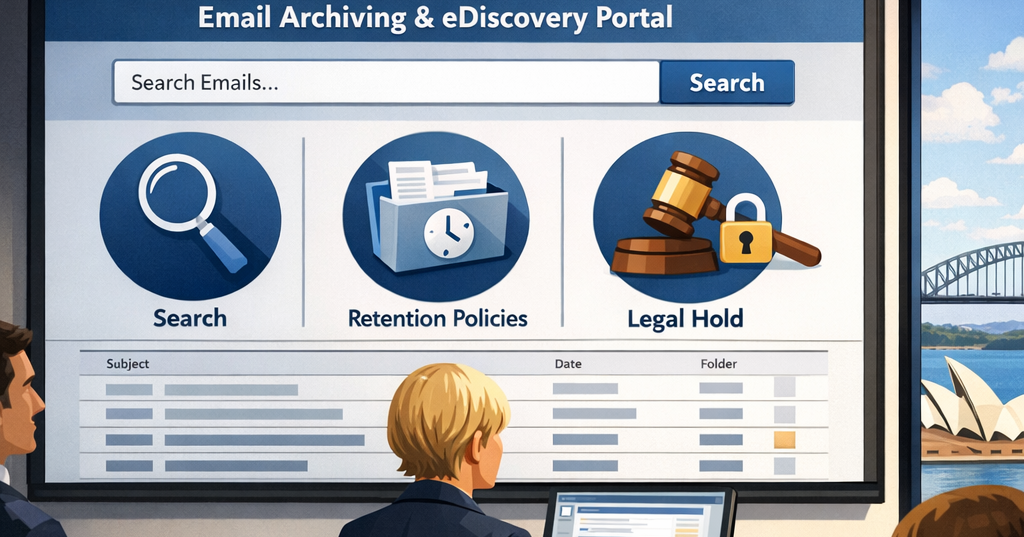
A mailbox backup is not an archive. Backups are built to restore a server. An immutable archive holds every message unaltered, can be searched in seconds and lets you place a matter on legal hold.
AML/CTF obligations started on 1 July 2026
From 1 July 2026, anti-money laundering and counter-terrorism financing obligations apply to designated services that lawyers and conveyancers commonly provide. Firms that provide those services must enrol with AUSTRAC, typically by 29 July 2026, and must run an AML/CTF program, carry out customer due diligence and keep most records for seven years. Reporting entities are also covered by the Privacy Act for that information, even if their turnover is under $3 million.
Your IT has to support this. Identity documents and due diligence records need controlled access, an audit trail and secure retention, and staff need training to spot the suspicious activity they now have to report.
Confidentiality and privilege
Client confidentiality and legal professional privilege depend on who can open a file, where it is stored and who it is shared with. Matter-based permissions in SharePoint and Teams, controlled external sharing and data loss prevention give you that control without slowing your fee earners down.
Conveyancing and electronic settlement
Conveyancing is where payment redirection risk is highest. Settlement funds move on tight deadlines, and criminals watch compromised email threads to time fake bank detail changes. ARNECC's draft Version 8 Model Participation Rules for electronic conveyancing would require subscribers to use multi-factor authentication for email, remote access and administrator accounts, and to train users in cyber security every year. We set up those controls in Microsoft 365 and add DMARC on your domain, so fraudulent settlement emails are much harder to send or miss.
IT problems we fix for law firms
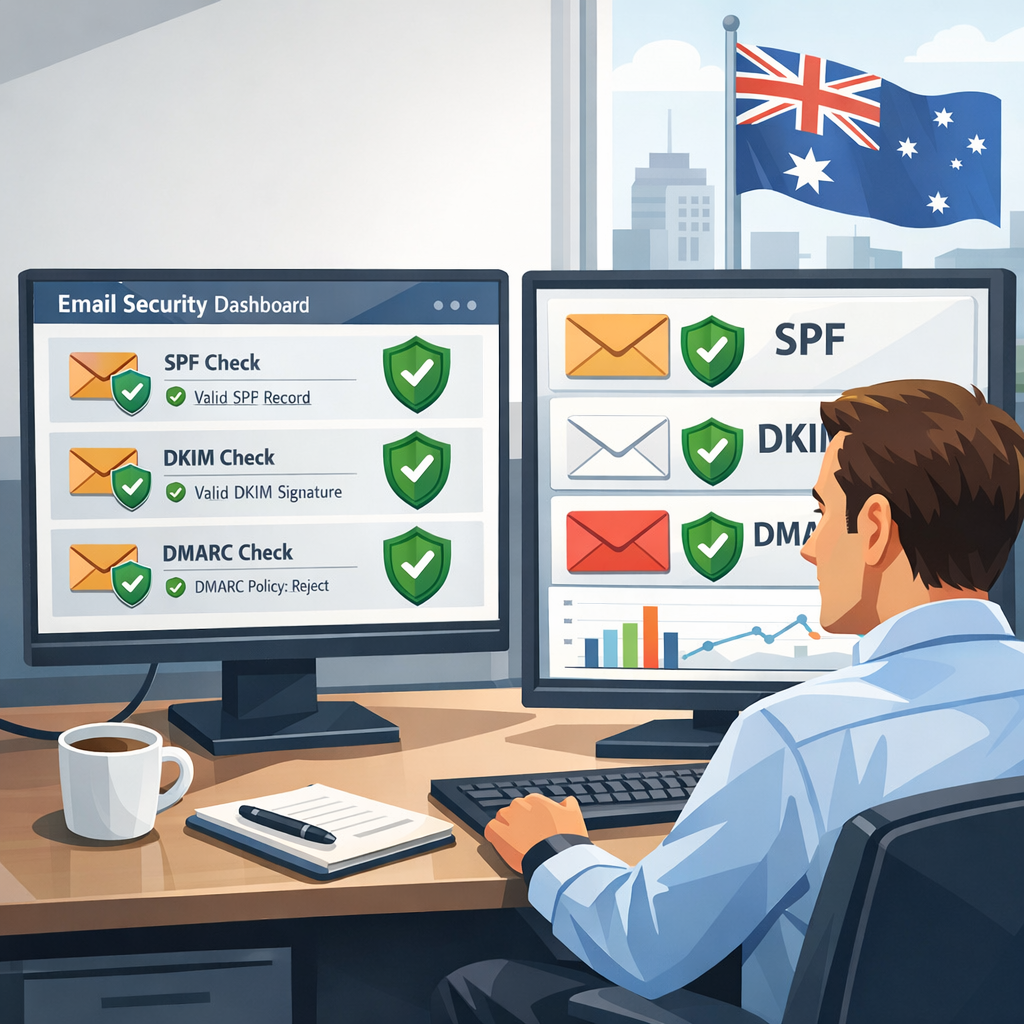
- Payment redirection and lookalike domains. We lock down mailboxes with MFA and conditional access, enforce SPF, DKIM and DMARC on your domain, and flag external senders so a fake "updated bank details" email stands out.
check your domain - Email that cannot be found when a dispute starts. An immutable archive with legal hold means discovery requests take minutes, not weeks.
- Documents scattered across drives, inboxes and USB sticks. We structure SharePoint and Teams by client and matter so permissions follow the file.
- Practice software that nobody owns. We coordinate with your practice management and document management vendors on upgrades, integrations and access, so partners are not left managing support tickets.
- Staff using AI tools with client data. We help you set an AI use policy and configure Microsoft 365 controls to match.
- Settlement-day outages. Proactive monitoring, patching and tested backups keep systems up when a deadline cannot move.
Recommended IT bundle for law firms
Most law firms need managed IT support, a hardened Microsoft 365 tenant and an immutable email archive as the core, with SMB1001 certification and a vCIO to keep security and spending on track. AWS hosting is added when you still run practice software on a local server.
| Service | Priority | What it covers | Why law firms need it |
|---|---|---|---|
| Managed IT support | Core | Service desk, device management, patching, monitoring and vendor coordination | One accountable partner for every system, including your practice software vendors |
| Microsoft 365 security | Core | MFA, conditional access, SharePoint and Teams by matter, and data loss prevention | Protects confidentiality and privilege, and controls how client documents are shared |
| Email authentication | Core | SPF, DKIM and DMARC enforcement and monitoring | Stops criminals sending email as your domain during settlements |
| Immutable email archive | Core | Tamper-proof archive, fast search and legal hold | Keeps email retrievable for the seven-year file retention period and speeds up discovery |
| Backup and recovery | Core | Tested backups of servers, Microsoft 365 and practice data | Recovers from ransomware or deletion without losing matters |
| SMB1001 certification | Recommended | SecureStart, a staged program through Bronze and Silver to Gold | Gives clients, insurers and tender panels independent evidence that your controls are in place |
| vCIO | Recommended | Technology roadmap, budget, risk register and partner reporting | Keeps IT spending and cyber risk on the partners' agenda |
| AWS hosting | Situational | Hosting legacy practice or document systems in Australian AWS regions | When a local server is reaching end of life |
| IT procurement (mProcure) | Situational | Sourcing devices and licences | New offices, fit-outs and lateral hires |
Pricing depends on your headcount and current setup. Our vCIO Starter plan begins at $1,143 per month for three months on a single stream, and our guide to outsourced IT support costs explains what drives the rest.

Further reading for law firms

Law firm IT: frequently asked questions
What IT support does a law firm need?
Most law firms need managed IT support, a secured Microsoft 365 tenant with MFA, DMARC on their domain, tested backups and an immutable email archive. Firms that handle trust money or conveyancing should also have a written payment verification process and a recognised cyber standard such as SMB1001. See our recommended IT bundle for law firms
How do we stop payment redirection fraud?
Combine technology and process. Secure mailboxes with MFA and conditional access, enforce SPF, DKIM and DMARC so criminals cannot send as your domain, and flag external email. Then verify every bank detail by phone on a number you already hold, using a read out, read back check, as Lawcover recommends
How long does a law firm need to keep client files and emails?
Generally at least seven years after the matter ends. Rule 14.2 of the Australian Solicitors' Conduct Rules allows client documents to be destroyed after seven years unless instructions or law say otherwise, and some matters such as wills, minors' matters and live claims need longer.
Safe custody documents are kept in original form. An immutable email archive keeps email retrievable for the full period.
Do the AML/CTF reforms affect our IT?
Yes, if your firm provides designated services. From 1 July 2026 those firms must run an AML/CTF program, carry out customer due diligence and keep most records for seven years, according to AUSTRAC.
That requires secure storage, access controls and an audit trail for identity and due diligence records.
Can we keep client documents in Microsoft 365?
Yes, when it is configured properly. Data can be held in Australian Microsoft data centres, permissions can follow each client and matter, and external sharing can be restricted or expired.
The Law Society of NSW guidelines also expect searchable documents, preserved metadata and a retention policy, which we build into the setup.
Do you work with our practice management software?
Yes. We support the devices, network, Microsoft 365 and hosting your practice software relies on, and work directly with your software vendor on upgrades, integrations and access issues.
How much does IT support for a law firm cost?
It depends on headcount, sites and how much is already in place. Our guide to outsourced IT support costs explains the main cost drivers.
A cyber risk review is the quickest way to get a firm quote.
Talk to us about your firm's IT
Book a 30-minute cyber risk review with Dale Jenkins. We will look at your email security, payment verification process and file retention, and tell you what to fix first.